Learn · How-to
How to start vibe coding.
Your first working thing can exist tonight. Whether it survives the week depends on the setup. Seven steps, from people who watch agents work all day.
To start vibe coding you need three things: a CLI coding agent (Claude Code, Codex CLI or Gemini CLI), a git repository so every change can be undone, and the habit of describing outcomes instead of implementations. Start with a small personal project, keep tasks under an hour, and make the agent run its own tests.
The seven steps
1. Pick your agent
Do not research for a week; the agents are more alike than different at this stage. Pick by the subscription you already pay: Claude gets you Claude Code, ChatGPT gets you Codex CLI, nothing gets you Gemini CLI free. Our full comparison lives in best AI coding agents in 2026, but any of the three will carry your first month.
2. Put everything in git before the first prompt
This is the single non-negotiable. An agent will eventually make a change you hate, and git checkout . is the difference between a shrug and a lost evening. Do not know git? Tell the agent: "initialize a git repository here and commit after every working change." It will maintain your safety net for you.
3. Write an outcome prompt
Describe destinations, not driving directions. The template that survives contact with reality:
Goal: what should exist when you are done
Context: what this project is, who uses it
Constraints: stack, style, things not to touch
Done when: a check the agent can run itself
4. Work in small loops
One feature per session. "Build me a social network" produces impressive-looking rubble; "add login with email magic links, nothing else" produces a working login. When something breaks, paste the error verbatim, do not paraphrase it. Errors are the one language agents read better than prose.
5. Make the agent prove it works
The strongest habit in this list: define done as something the agent can verify. "Done when npm test passes." "Done when the page loads with no console errors." Agents are optimists; they report success in the same cheerful tone whether or not the thing runs. A verification step converts their claim into a check.
6. Gate the dangerous steps
Every serious agent asks permission before running commands. Beginners find the prompts annoying and switch them off; that is exactly backwards. Keep approvals on for deletes, deploys, database changes and anything touching credentials, and auto-allow the boring stuff. You want to be interrupted for rm -rf, not for ls.
7. Review before you ship
Before anyone else touches it: use the app like a hostile stranger (wrong inputs, double clicks, back button), then skim the diff for the three expensive categories: anything storing data, anything handling auth, anything spending money. You do not need to understand every line. You need to notice the hardcoded API key.
Prompts that work
Real examples of the shape that gets results:
Goal: a single-page habit tracker I can open every morning.
Context: personal tool, just me, desktop browser.
Constraints: plain HTML/CSS/JS, one file, no frameworks,
  data in localStorage.
Done when: I can add a habit, tick today, and see a 7-day
  streak that survives a page reload.
Goal: fix the crash when saving a note with an empty title.
Context: see the stack trace below. [paste trace]
Constraints: minimal change, do not refactor anything else.
Done when: saving an empty-title note shows a validation
message and all existing tests still pass.Beginner mistakes we see constantly
- The mega-prompt. Five features in one request produces five half-features. Agents finish small things and abandon big ones politely.
- No git, no checkpoints. Everything works until the agent "improves" your working code at 1 a.m.
- Paraphrasing errors. "It says something about undefined" strips exactly the information the agent needed.
- Trusting "Done!". Run the thing. Every time. Claims are not evidence.
- Ignoring cost. A stuck agent retrying in a loop burns real money quietly. Watch per-session cost, or use a tool that shows it to you.
- Re-explaining the project every session. Agents forget everything when the terminal closes. Keep notes in the repo (a README the agent maintains works), or use a workspace that persists task boards and memory between sessions.
Vibe coding, with your eyes open
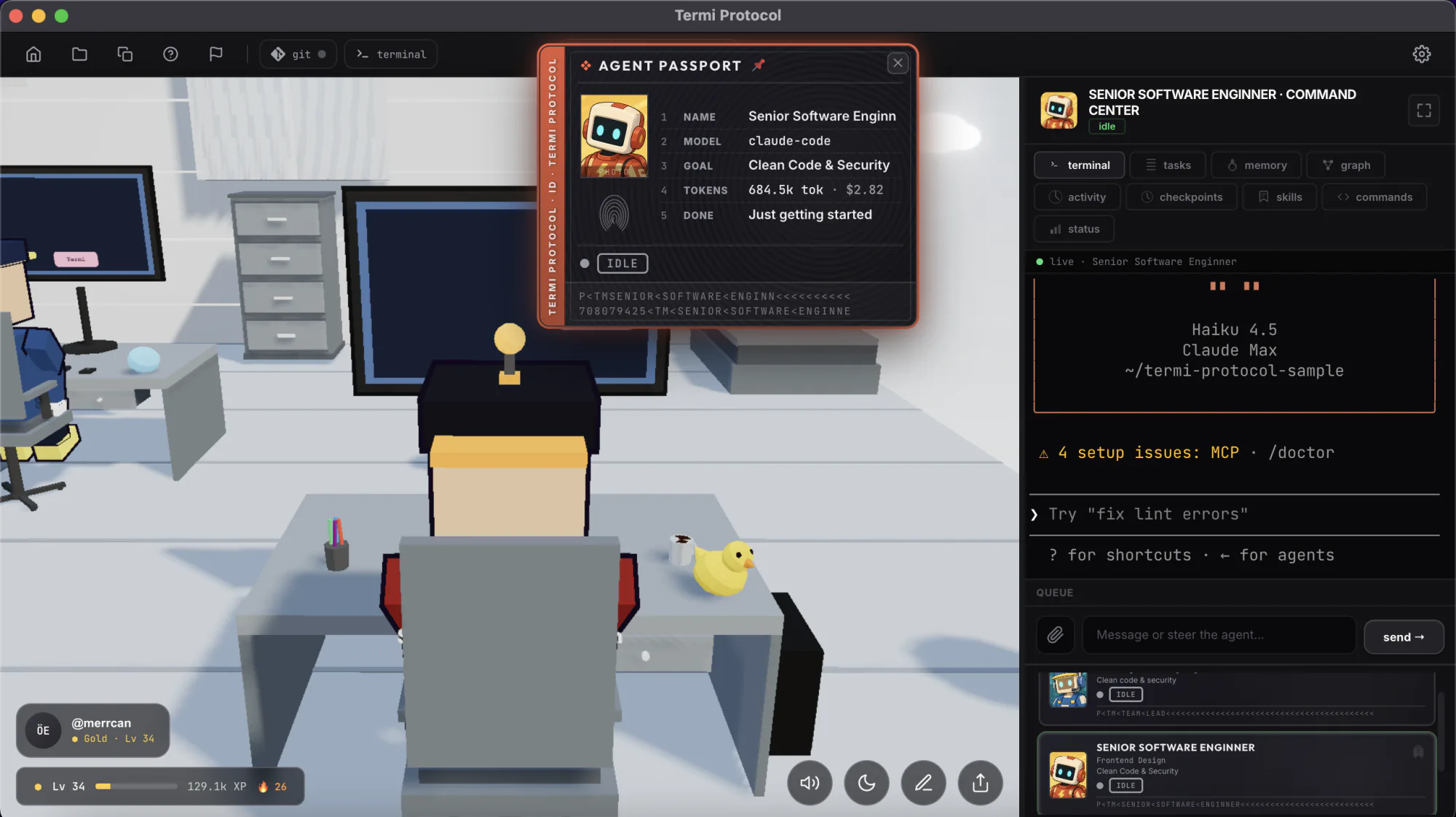
Termi runs your agent in a 3D room where every file read, command and change is visible, with checkpoints to rewind, a task board it drives, and live cost per session.