▍ DESKTOP APP · macOS · WINDOWS · LINUX
SETUP
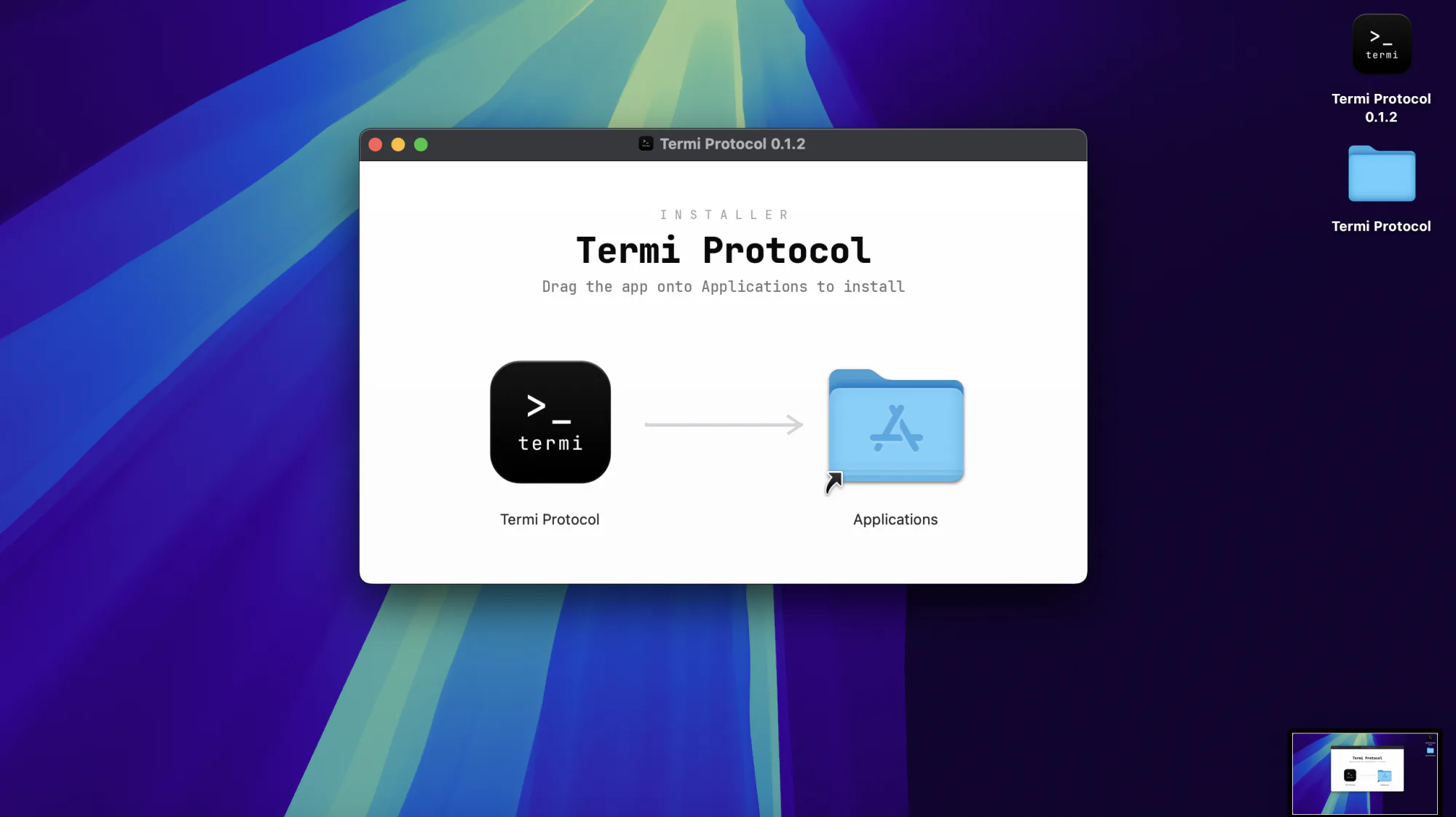
Grab the installer for your Mac, PC or Linux machine. On macOS, drag it to Applications; on Windows, run the setup; on Linux, run the AppImage (chmod +x) or install the .deb.
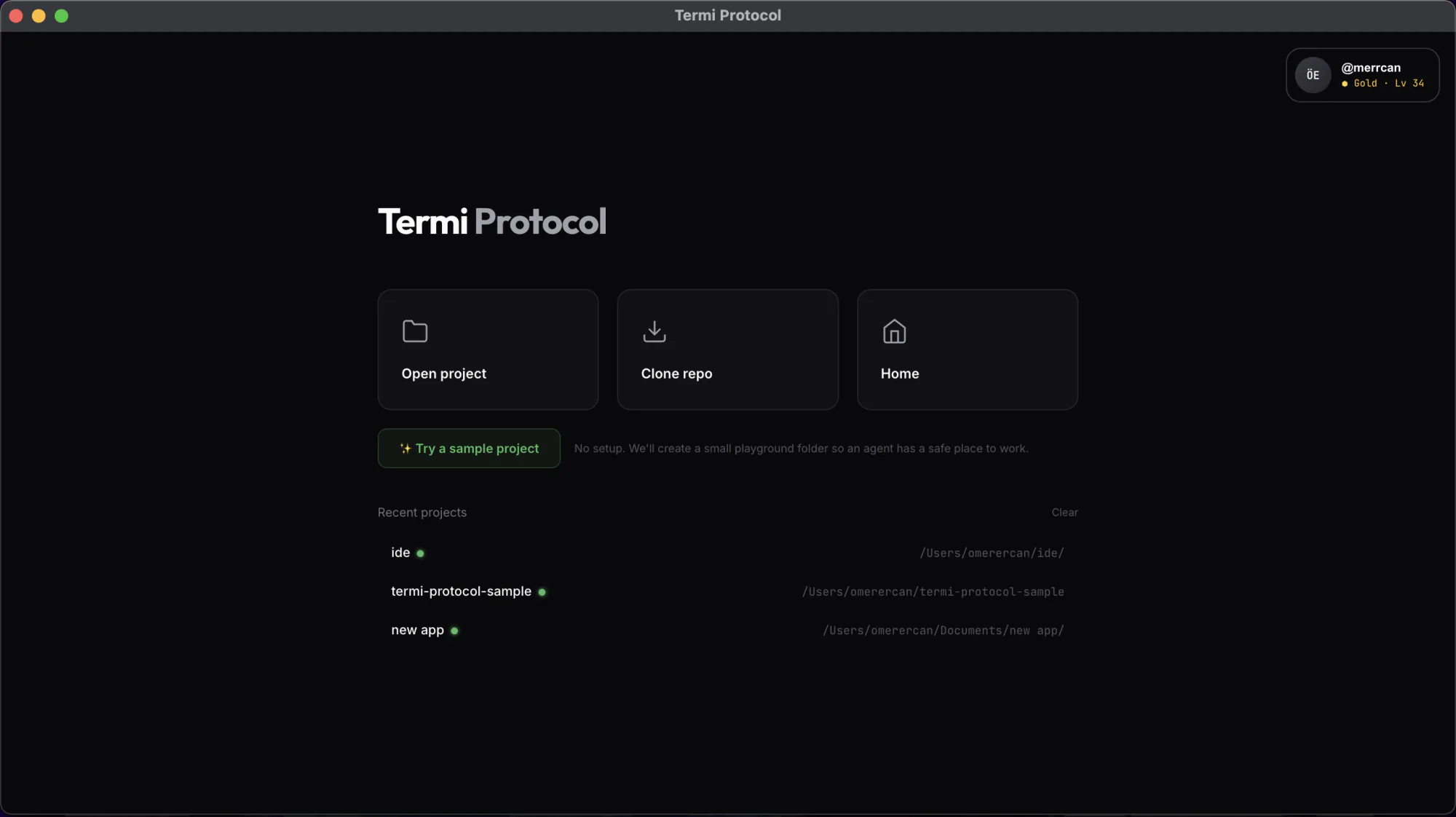
Launch it and sign in. Your Lifetime Pass unlocks every room, agent and protocol.
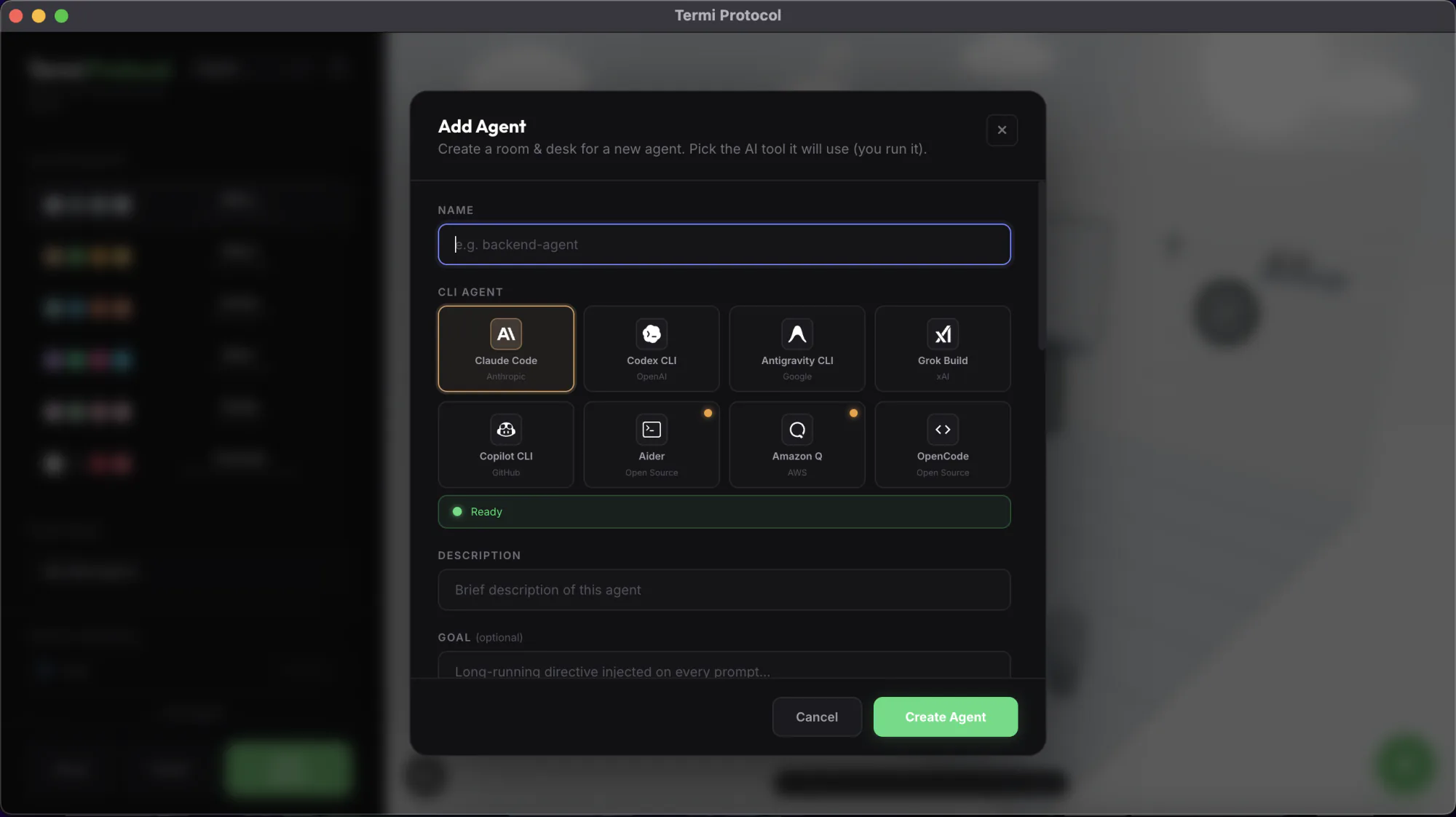
Claude Code, Codex, Gemini CLI and more. Bring your own keys. Your code never leaves your machine.
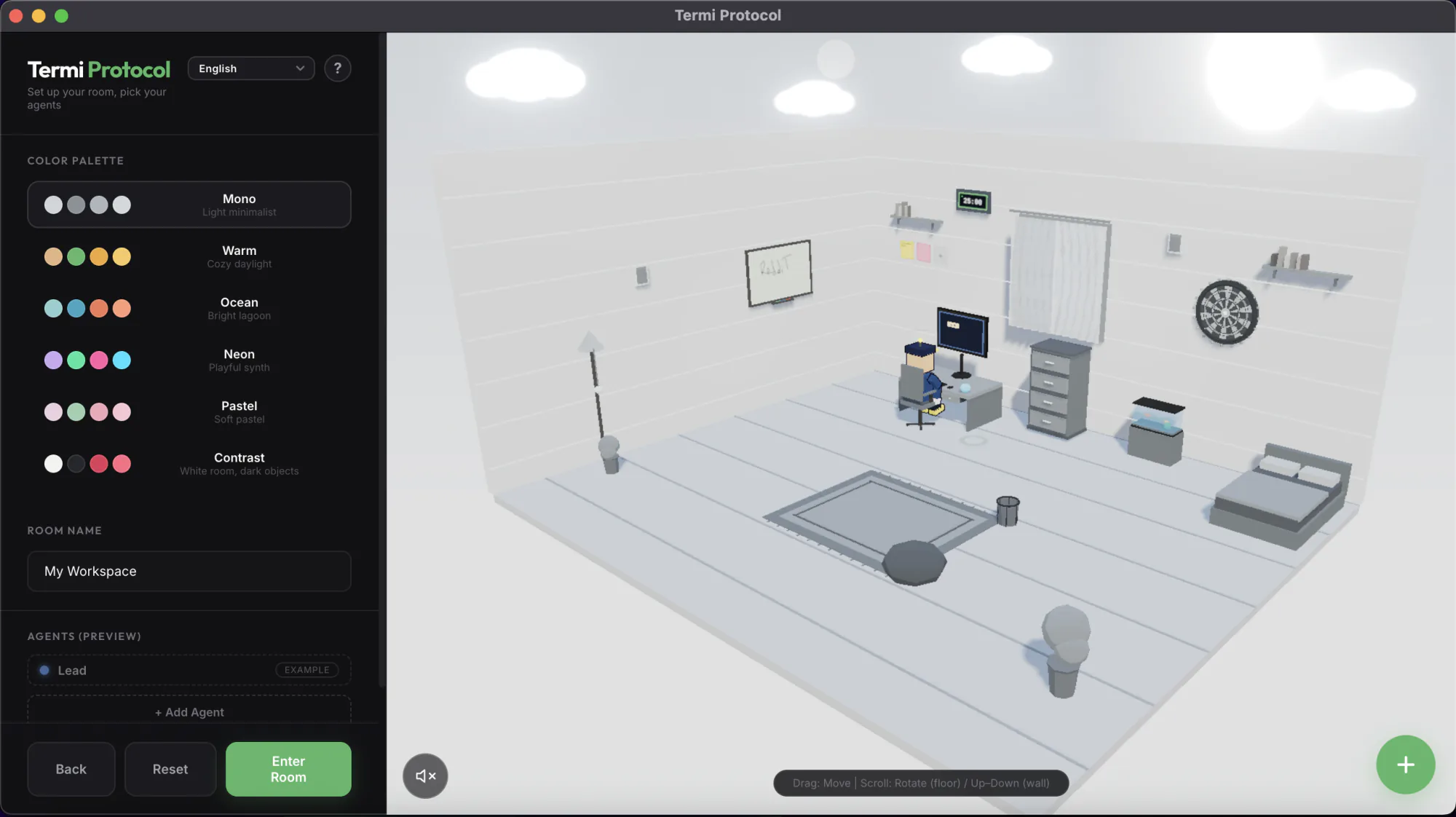
Every file read, write and command becomes live 3D choreography. You watch an agent actually code.
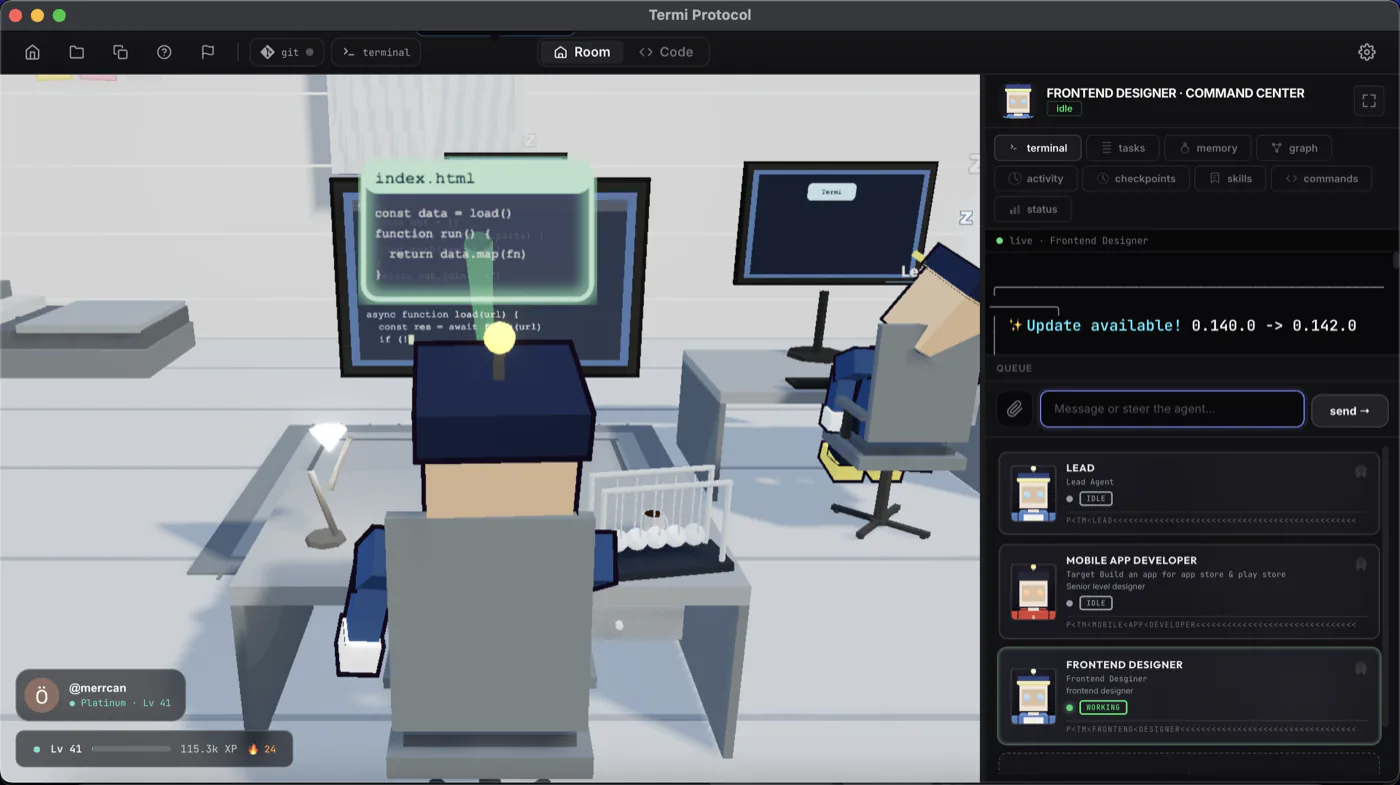
Spin up a team. File locks, shared task boards and hand-offs let agents collaborate without stepping on each other.
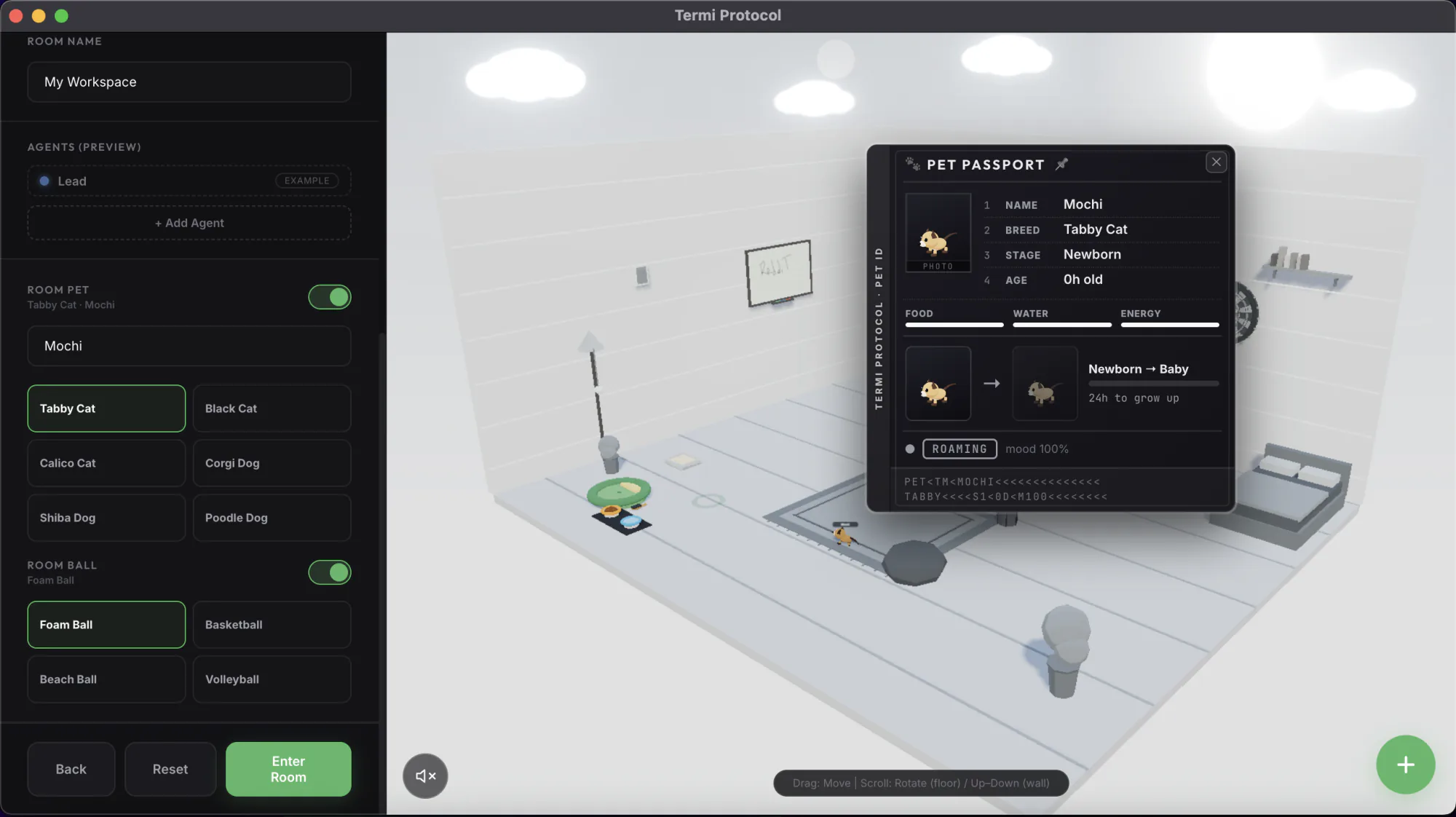
Customize the room with palettes and toys, and adopt a pet that grows as you code.